Keep up with Niice’s latest product news.
April
One link, the whole campaign
We've been working on making it simpler for you to share toolkits, even when assets live across a dozen platforms.

For a campaign launch, your hero visuals could be in Figma, the social templates in Photoshop, the playbook on Google Slides, and the launch video buried somewhere in a Framer project. Each piece worked on by a different person in a different tool.
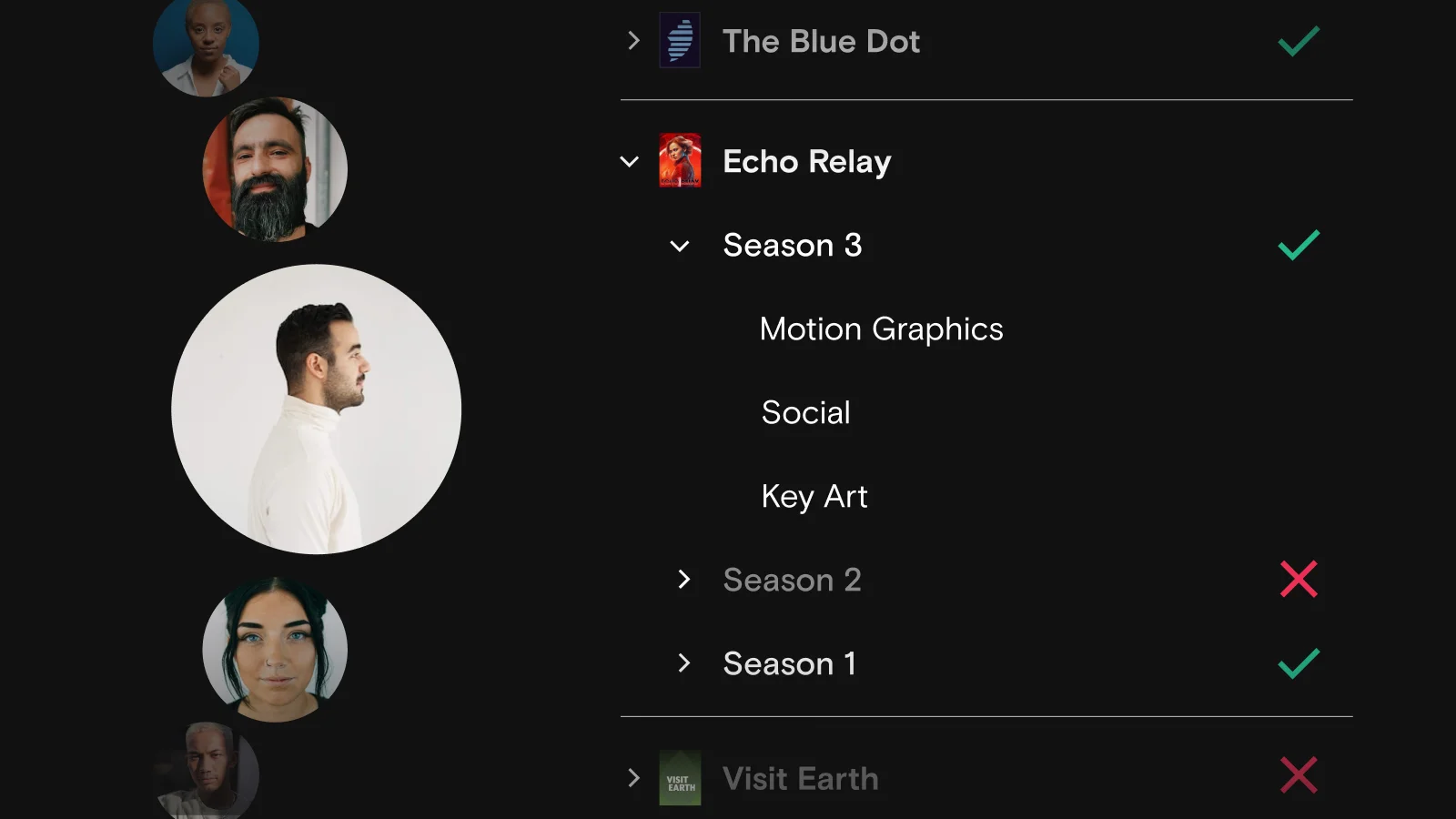
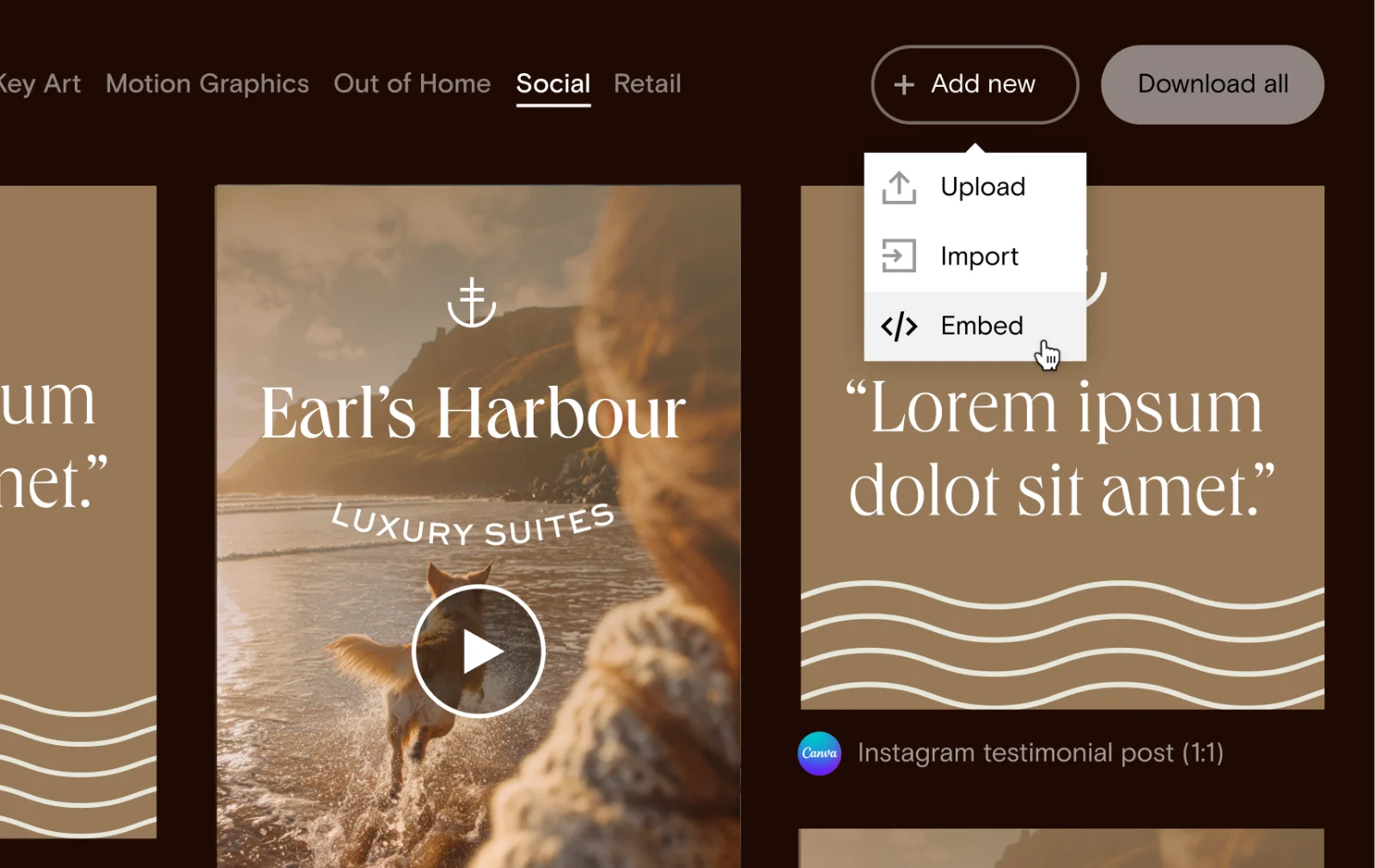
You can now pull all of that into one view, so your assets can stay where they’re being worked on while your team still finds them in one place.
Upload, import from Dropbox or Drive, or embed a link from anywhere. Your toolkit becomes the one place to send people, and one link gets them everything they need.
A list of other fixes and improvements we shipped this month:
Editor & writing
Folder blocks
Pages & docs
Templates
Share links & analytics
Images, media & navigation
Other polish
March
Your brand colors, always in sync
Consistent brand colors across your sites, a brand new nav block, and a satisfying pile of fixes and polish. Not a bad month!

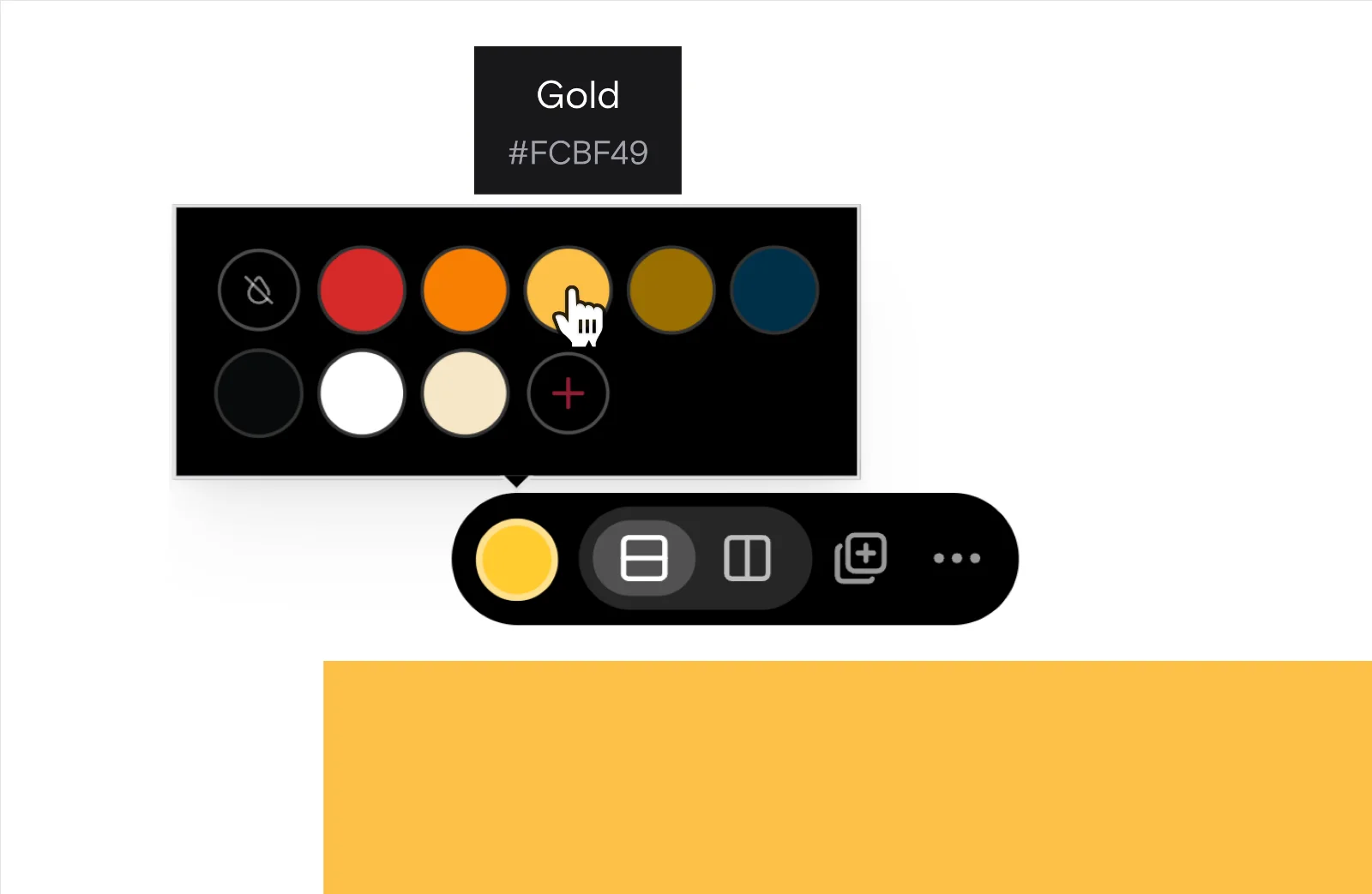
Build your brand palette once and it's ready to use across your entire portal. Drop it in wherever you need it, and any color change you make ripples through automatically, without the extra effort.
Drag handles now appear on your containers, letting you adjust padding and gaps directly on the page. Just hover near the edge, drag, and eyeball it until you're happy.
A list of other fixes and improvements we shipped this month:
February
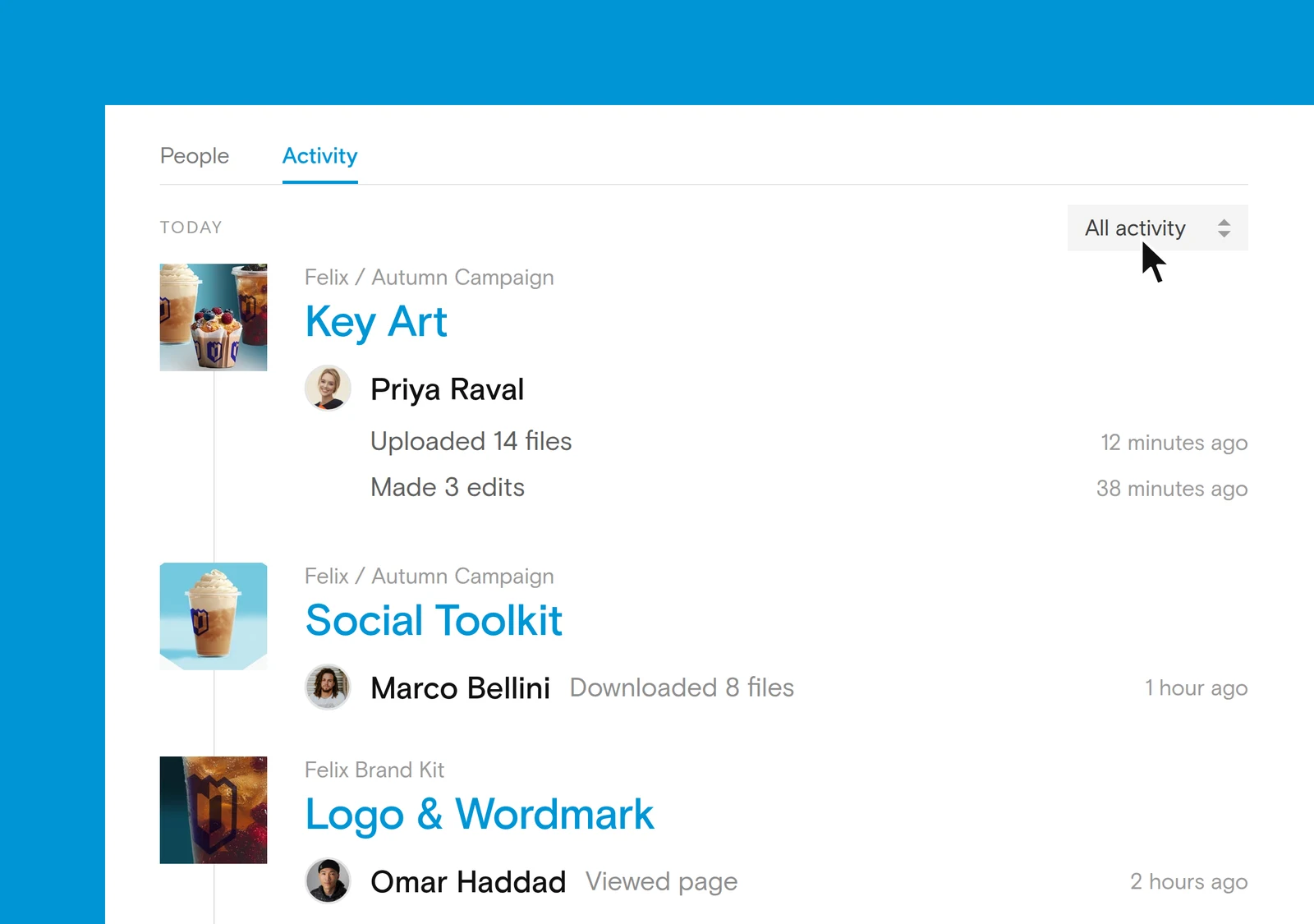
Turn activity into insight with page analytics
Page Analytics helps you clearly see the impact of your brand and how your content is performing. And while we were at it, we gave plenty of other areas of the app some love this month too.

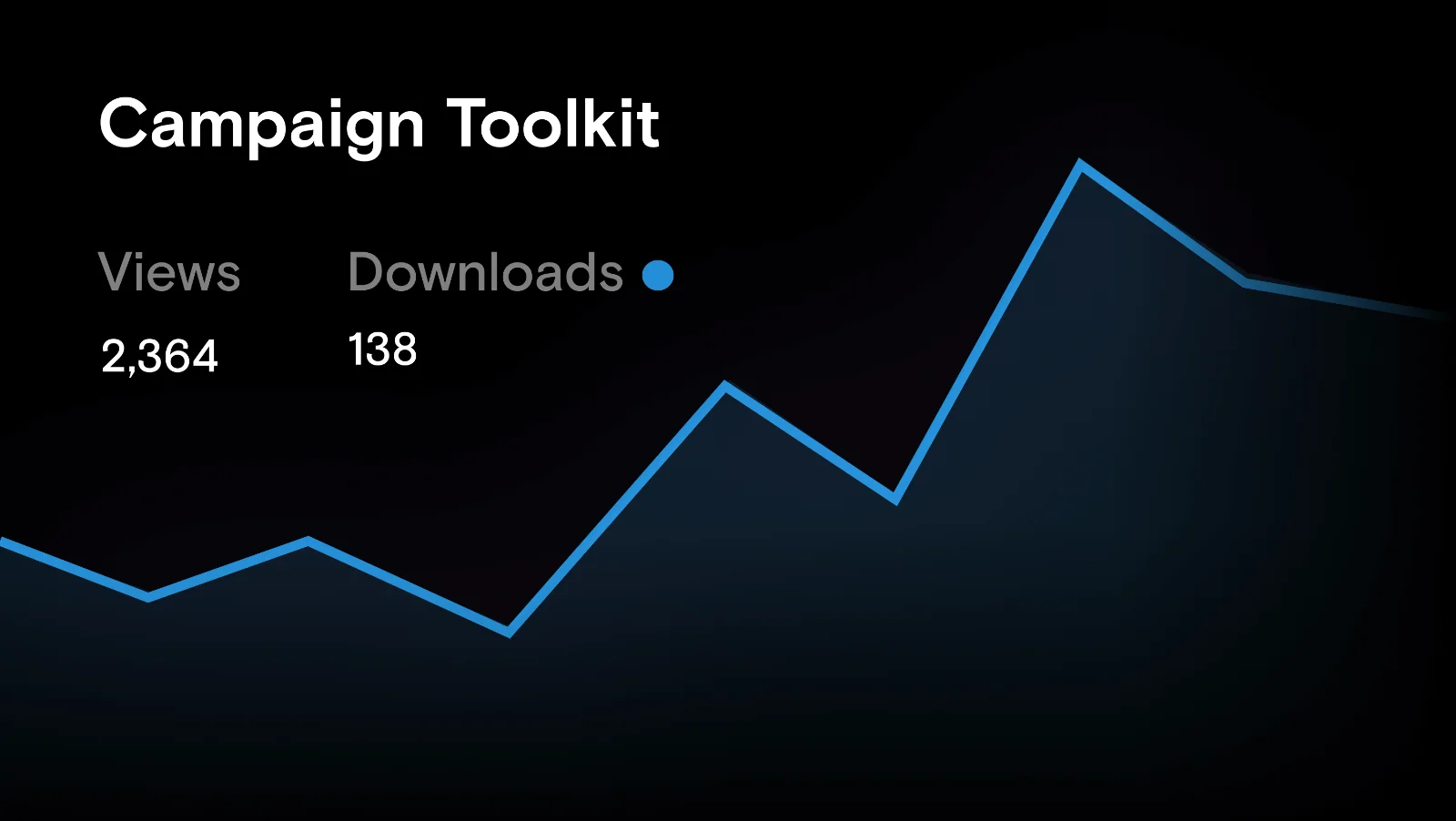
Page analytics turns activity into insight, giving you a clear view of the impact of your content and how its being engaged with once it’s live.
A list of other fixes and improvements we shipped this month:
January
A new way to organise content with tables
Our first update of 2026 introduces tables to help you add structured content to your pages, alongside a series of useful improvements across the editor

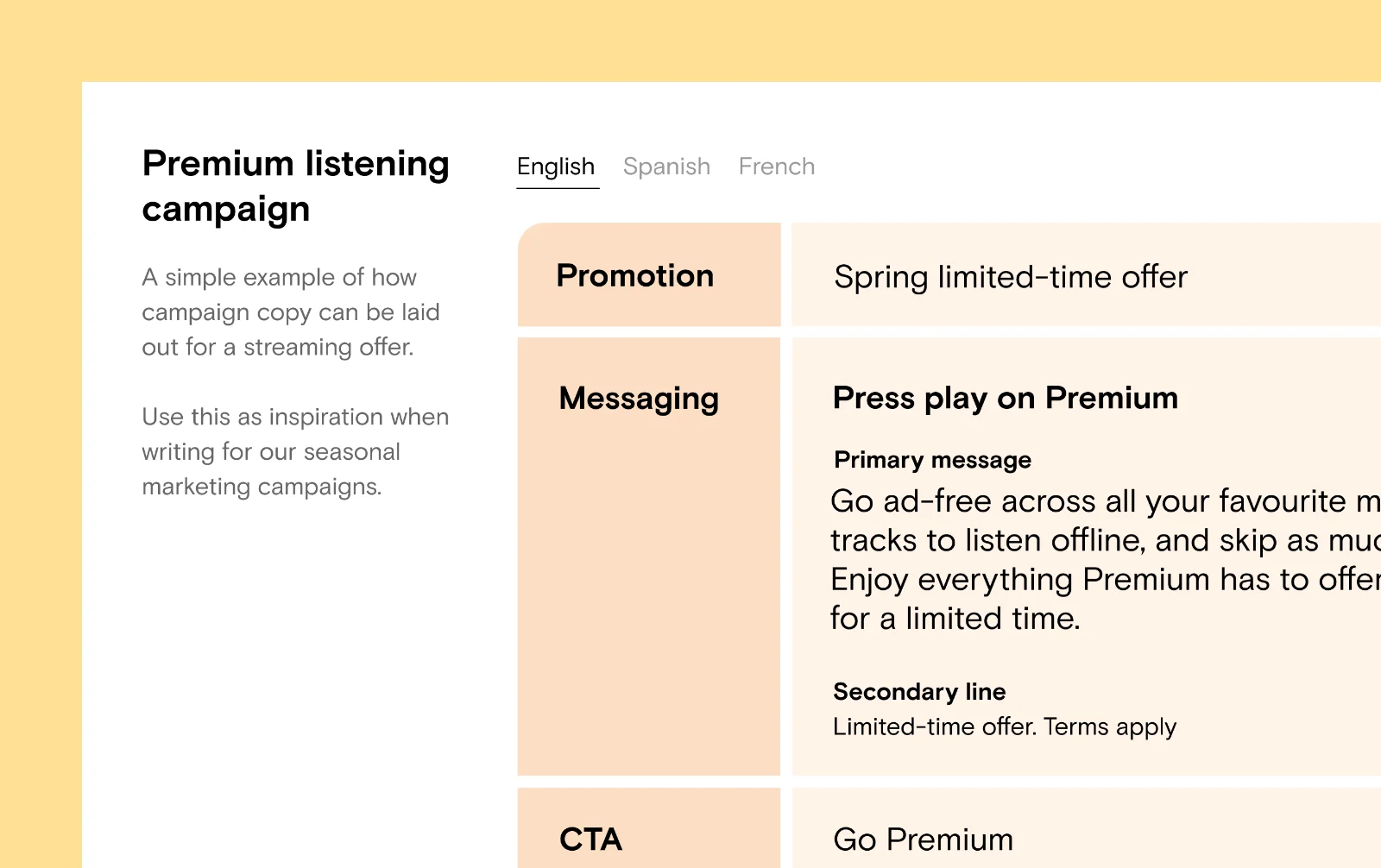
We’ve introduced tables to give you a clean way to lay-out and organise content like color values, typography hierarchies, and do’s and don’ts across your guidelines and toolkits.
Made in sunny Belfast, Northern Ireland
Cmd+A now selects within your current block first, then escalates outward
Paste behaviour preserves headings, paragraph styles, and inline marks much more reliably
Block toolbars stay on screen while scrolling tall blocks
Instant upload previews while files are uploading
Deleting items now feels instant
You can copy and paste folder blocks across pages
Better feedback during file uploads
Pages now show their full hierarchy
Duplicating a page brings sub-pages, metadata, and group state along with it
A "Copy link" shortcut in the page options menu
Doc list blocks can now pull from multiple templates
A new "…" menu on template cards with archive, duplicate, copy link, and copy to clipboard
Cross-doc internal links are preserved when creating from a template
Fixed the template preview missing theme colours, button icons, and the community toggle visibility for admins
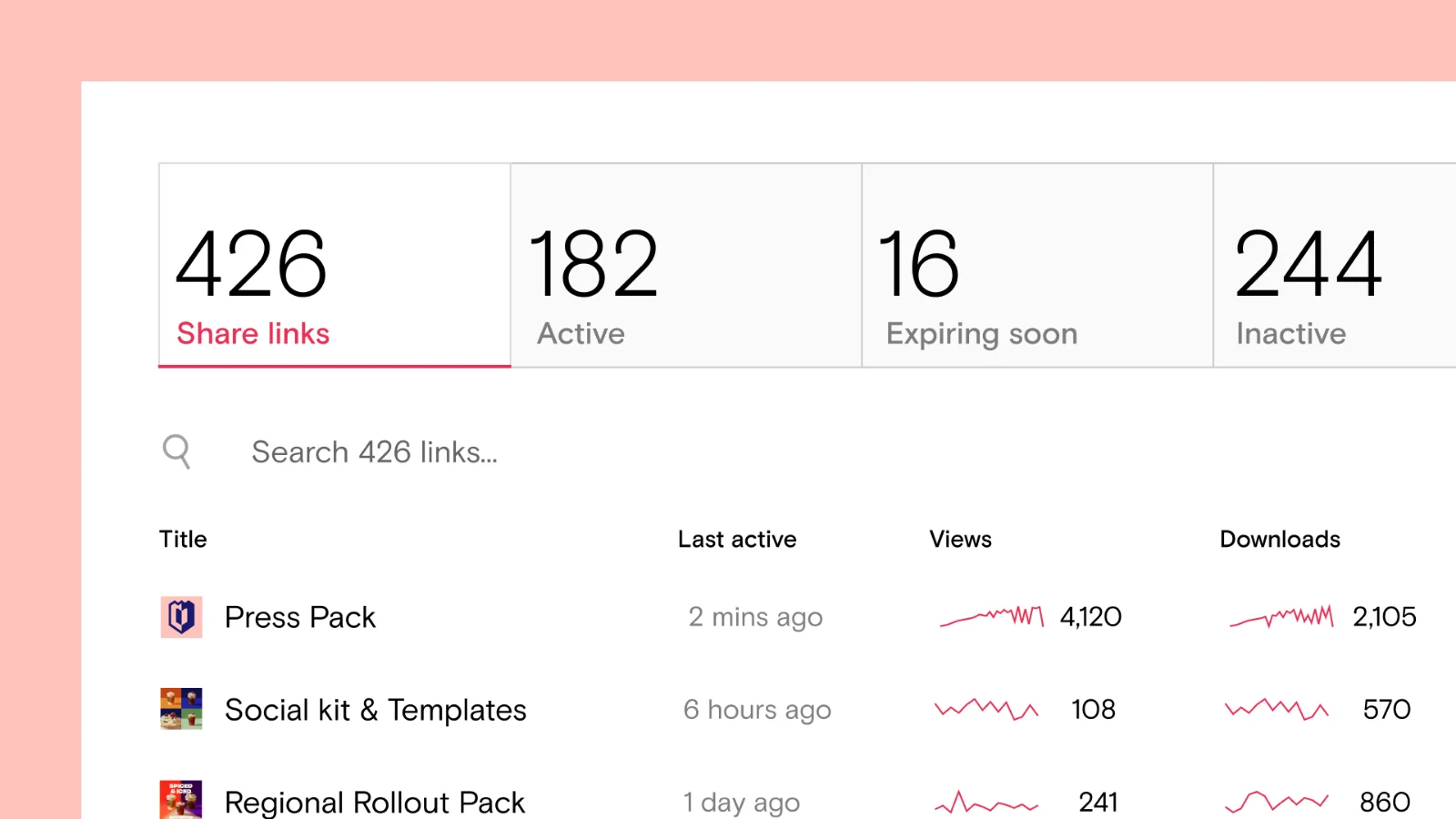
Share links now show a sparkline of downloads from the last 30 days
Page share links now appear on the share links page alongside folder share links
The "Today" analytics view now shows an hourly breakdown instead of a single point
Image blocks now support a background colour
Arrow navigation added to doc and folder carousels (and other horizontal scroll areas)
Third-party links open in the new link viewer with a side panel
The menu block can now handle more than 50 items in site list mode
Faster file, doc, and page indexing across the board
Upload and import progress now updates in real time
Sections can be pinned as sticky so they stay visible while scrolling
Added a max-content width option for containers
Added new navigation and search bar blocks
Folder blocks now have a carousel layout option
Improved the table of contents block with scope filtering, multi-column layout, and customisable typography
Doc lists support pagination, last updated sorting, and now handles 50+ documents
Page list menus support filtering and nested hierarchy
Buttons now work with theme style presets
Meta fields support custom placeholder text
You can add columns to rows directly from the toolbar
PDF text pastes with properly merged line breaks
Typing over a selected block preserves its formatting
Undo works when the editor isn't focused
Cmd+Enter now submits dialogs and forms
New global color picker with one-click color clearing
Color swatches improved for light and dark themes
Theme styles correctly override default heading typography
You can now import files from Google Drive and Dropbox directly into folder blocks
Folder blocks now support external links, with a dedicated link viewer
New account and site-level analytics for views and downloads
Breadcrumb navigation between account, site, and page analytics
Fixed misleading anonymous view counts
You can now set a default page template at site level
Added the ability to create new pages directly from section or block templates
Added a way to cancel uploads
Added a clearer completion indicator
Media manager only shows active files
Improved results for blocks, folder contents, and document lists
You can filter site lists by custom field values
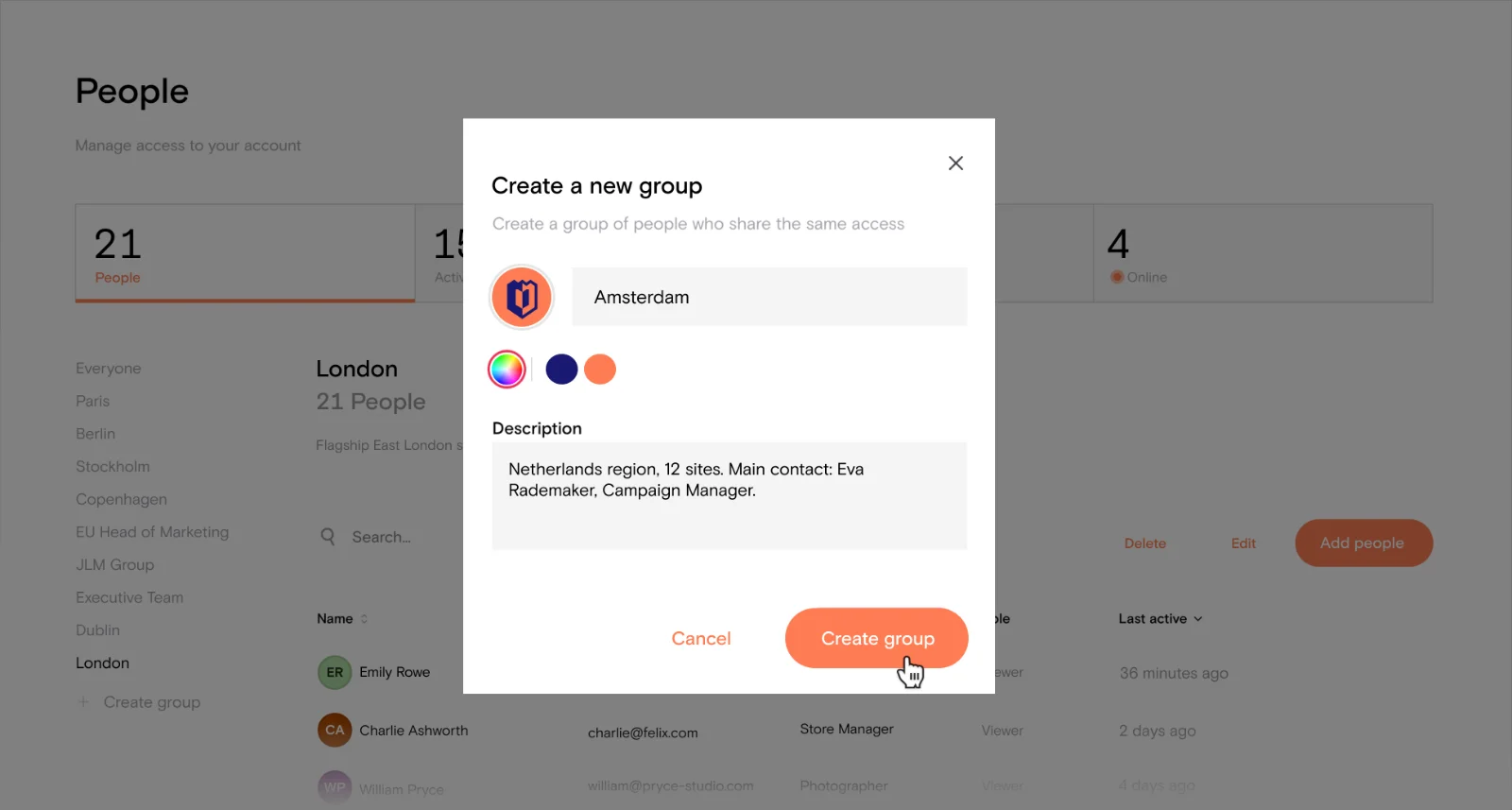
Group invite list now shows member counts
Sharing email notifications now include sender name and role context
SSO bypass button adapts to dark themes
You can now link to any page in the same account
Connection errors now show as a toast instead of a blocking modal
Fixed an issue that could leave the editor stuck on load
Resolved a keyboard shortcut conflict between the site map and preview mode
Insert menu now shows the full template library, with bookmarks in their own section
Added pagination to support larger template libraries
Recently used blocks now appear in the Insert menu
You can copy block templates to your clipboard and paste them into any page
Improved template insertion performance
Streamlined the template gallery for faster loading
Theme editor now automatically adds a # to pasted hex values
Paste a list of colours into the theme editor to import them in bulk
Theme colour swatches now appear in the colour picker
Added a Typography view to manage font variables
Container blocks now support background colours from the toolbar
Added a replace feature to in-line files
Fixed an issue where the “…” menu opened the wrong settings panel
Uploads now show individual file progress
Tidied up the Tab properties panel to make it more user friendly
Made small usability improvements to the properties panel
Standardised control panel layouts across management areas
Folder blocks now show file names, download buttons, and share links by default
Improved file search performance in folder blocks
Improved document list search and filtering
Added support for custom metadata on documents and pages
Added a site map dialog for viewing and reordering pages
Created a new Manage Profile page for all users
Added email notifications for site and access updates
Added email notification preferences with admin defaults and user overrides
Redesigned the notifications page
Email notifications now include richer context and direct links
Added verification for email and password changes
Added a connection loss indicator in the editor
Tightened draft pages access controls
Fixed an issue where font changes weren’t saving in the properties panel
Added a way to delete a button from a container block
Made it so that new pages are unpublished by default
Removed the drag handle from videos in preview mode
Addressed some issues with account deletion
Changed the way section background images are handled in the editor